How To Fix R.E.P.O. Stuck on Loading Screen Bug
- By Hunter
- Mar 16,2025
The world of spooky games is vast, encompassing classics like *Resident Evil* and *Silent Hill*. However, *R.E.P.O.* offers a truly unique horror experience. Unfortunately, some players are encountering a frustrating issue: the game getting stuck on the loading screen. This guide outlines several solutions to get you back into the chilling gameplay.
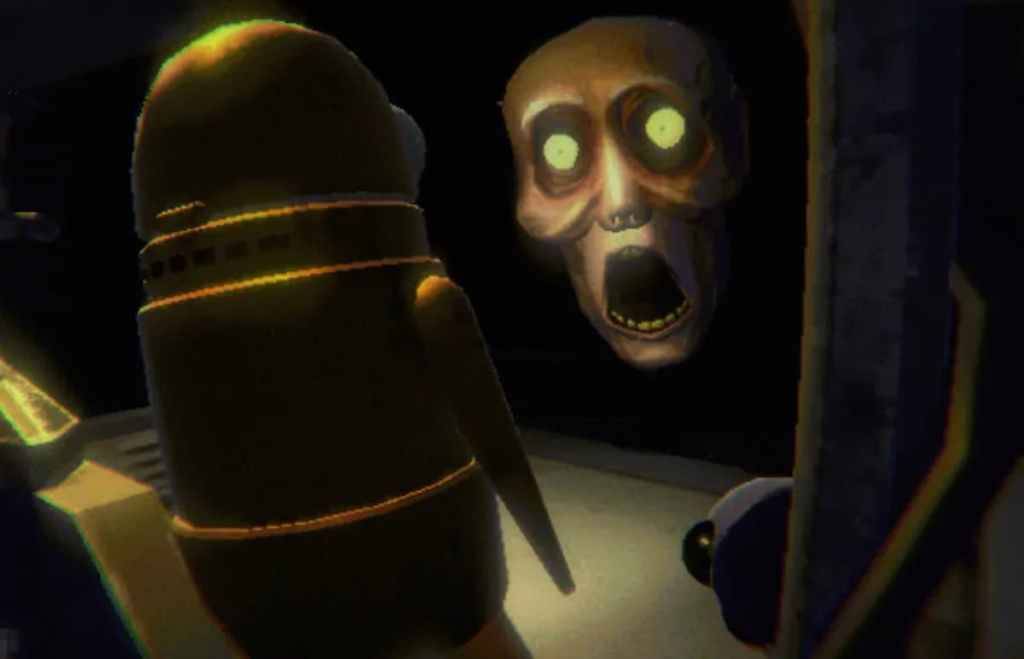
PC players launching *R.E.P.O.* may find themselves trapped on the loading screen, preventing them from enjoying the game. While the developer, semiwork, is yet to officially address this, several troubleshooting steps can often resolve the problem.
Simple Fixes: Restart and Reboot
The first, and often most effective, solution is simply closing and reopening the game. This allows *R.E.P.O.* to resolve any minor glitches that might be causing the loading screen freeze. If this doesn't work, rebooting your PC is the next logical step. A fresh system start can clear temporary files and processes that may be interfering with the game.
Administrative Privileges and File Verification
Running *R.E.P.O.* as an administrator grants the game full system access, potentially resolving permission-related issues. To do this, right-click the game shortcut, select Properties, navigate to the Compatibility tab, and check "Run as administrator."
Another effective method is verifying the game files through Steam. This ensures all game files are correctly installed and up-to-date. Here's how:
- Restart your PC and open Steam.
- Right-click *R.E.P.O.* in your Steam Library (or click the gear icon).
- Select Properties.
- Go to the Local Files tab and click "Verify integrity of game files."
Note: It's normal for some files to fail verification; this doesn't necessarily indicate a problem.
By following these steps, you should be able to overcome the *R.E.P.O.* loading screen bug and delve into the game's terrifying world. For more *R.E.P.O.* content, check out our guide on monsters and escape strategies.
R.E.P.O. is available now on PC.